
The Anatomy of Clipboard Security: Why Your Pasteboard Shouldn't Touch the Cloud
A technical security analysis of macOS pasteboard access, password manager concealment flags, cloud syncing compliance risks, and local-first data architecture.
Clibo Security Research
Engineering & Systems Design
Table of Contents (11 sections)
Most developers are hyper-vigilant about their software supply chain. We audit package.json dependencies, enforce branch protection rules, sign git commits with SSH keys, and store infrastructure credentials in encrypted vaults.
Yet throughout the day, we copy database passwords, JWT tokens, AWS session keys, and customer PII straight into the operating system clipboard—often unaware that background processes and cloud-synced utilities can read that data without asking for permission.
This essay provides an in-depth security analysis of the macOS pasteboard security model, explains how password managers flag sensitive clips, outlines the enterprise compliance hazards of cloud syncing, and details the local-first storage architecture required for true clipboard privacy.
Key Takeaways (TL;DR)
- The macOS Security Gap: Unlike iOS, macOS allows any running process to read the system clipboard continuously without triggering a user permission prompt.
- Secret Concealment Protocols: Modern password managers write custom pasteboard types (e.g.
org.nspasteboard.ConcealedType) to instruct clipboard utilities to ignore sensitive values.- Cloud Syncing Liabilities: Syncing clipboard buffers across cloud servers introduces serious SOC2, HIPAA, and GDPR compliance risks due to inadvertent PII and secret ingestion.
- Local-First Verification: You can verify whether a clipboard manager is making external network calls by inspecting open sockets with
lsof -i.
1. The Threat Model: What Actually Lives in Your Clipboard
In a typical 8-hour engineering sprint, a developer’s clipboard captures some of the highest-value secrets across your entire infrastructure:
+-------------------------------------------------------------+
|               Typical Developer Clipboard Stream            |
+-------------------------------------------------------------+
| 09:14 AM  -> postgres://admin:x9A$k2L@db.internal:5432/prod  |
| 10:22 AM  -> AKIAIOSFODNN7EXAMPLE (AWS Access Key ID)       |
| 11:05 AM  -> eyJhbGciOiJIUzI1NiIsInR5cCI6IkpXVCJ9... (JWT)  |
| 01:45 PM  -> git push origin feature/user-auth              |
| 03:12 PM  -> {"email": "ceo@client.com", "ssn": "XXX-XX"}   |
| 04:30 PM  -> -----BEGIN OPENSSH PRIVATE KEY-----             |
+-------------------------------------------------------------+
If a clipboard manager replicates this history to an external multi-tenant cloud database, your clipboard effectively becomes an unmonitored shadow secret store.
2. The macOS Pasteboard Security Model (and Its Flaws)
On iOS, Apple introduced explicit user authorization dialogs whenever an application attempts to paste content copied from another app.
On macOS, however, the security model is significantly more permissive:
- Unrestricted Read Access: Any non-sandboxed process running under your user account can query
[NSPasteboard generalPasteboard]at any time without triggering a TCC (Transparency, Consent, and Control) permission modal. - Background Polling: A malicious or poorly engineered background daemon can register a timer to poll clipboard contents every 500 milliseconds, silently exfiltrating every copied string.
- IPC Interception: Because the pasteboard is an open IPC channel, shared memory buffers are accessible across all active GUI applications.
3. How Password Managers Signal Secrets: Concealment Types
To mitigate accidental password leakage into clipboard managers, password managers like 1Password, Bitwarden, KeePassXC, and Apple Keychain implement proprietary pasteboard metadata types.
When 1Password copies a master password or API credential, it attaches specific type markers to the NSPasteboardItem:
// Example: How a security-conscious app writes a concealed secret
let pasteboard = NSPasteboard.general
pasteboard.clearContents()

let item = NSPasteboardItem()
item.setString(secretPassword, forType: .string)

// Concealment markers recognized by reputable clipboard managers
item.setString("", forType: NSPasteboard.PasteboardType("org.nspasteboard.ConcealedType"))
item.setString("", forType: NSPasteboard.PasteboardType("org.nspasteboard.AutoGeneratedType"))
item.setString("", forType: NSPasteboard.PasteboardType("com.agilebits.onepassword"))

pasteboard.writeObjects([item])
The Three Standard Concealment Flags:
org.nspasteboard.ConcealedType: Universal standard indicating the content is confidential and must not be saved to disk.org.nspasteboard.AutoGeneratedType: Signals that the string is a temporary one-time token or generated password.org.nspasteboard.TransientType: Indicates that the data will expire rapidly and should not be archived into persistent history.
A responsible clipboard manager must explicitly check for these types before committing an item to storage. If a clipboard manager ignores these markers, it will permanently persist your master passwords in plain text.
4. Compliance Hazards of Cloud-Synced Clipboards
For engineering teams operating under regulatory frameworks, cloud-synced clipboard utilities introduce severe compliance friction:
               +----------------------+
               | Developer Workstation|
               +----------+-----------+
                          | (Copying Customer Data / PII)
                          v
               +----------------------+
               | Cloud Clipboard Sync |
               +----------+-----------+
                          |
            +-------------+-------------+
            v                           v
   [ Third-Party Server ]      [ Cross-Device Sync ]
   - Data Residency Risk       - Endpoint Expansion
   - Subprocessor Scope        - Unencrypted Cache
- Breach Liability - Retention Violations- SOC2 Type II: Storing unencrypted production credentials in a third-party clipboard SaaS violates access control and secret management policies.
- GDPR / CCPA: Copying customer records (names, email addresses, billing data) into a cloud-synced clipboard makes the clipboard vendor an unvetted data subprocessor.
- HIPAA: Medical record identifiers pasted during debugging can lead to severe data breach penalties if synced across personal devices.
5. How to Audit Clipboard Network Activity Locally
You can audit whether your clipboard manager or any background utility is establishing external network connections using native macOS terminal tools.
Step 1: Find the Process ID (PID)
# Locate the PID of the application
pgrep -fl "Clibo"
# Output: 48291 /Applications/Clibo.app/Contents/MacOS/Clibo
Step 2: Inspect Open Network Sockets
# Check if the process has any active TCP/UDP network connections
lsof -nP -p 48291 | grep -E "TCP|UDP"
If the command returns empty output, the process has zero open internet sockets and is operating in complete network isolation.
Step 3: Monitor File System Writes
# Inspect where the application writes its local database
lsof -p 48291 | grep -E "sqlite|db|data"
6. The Local-First Architecture: How Clibo Secures Data
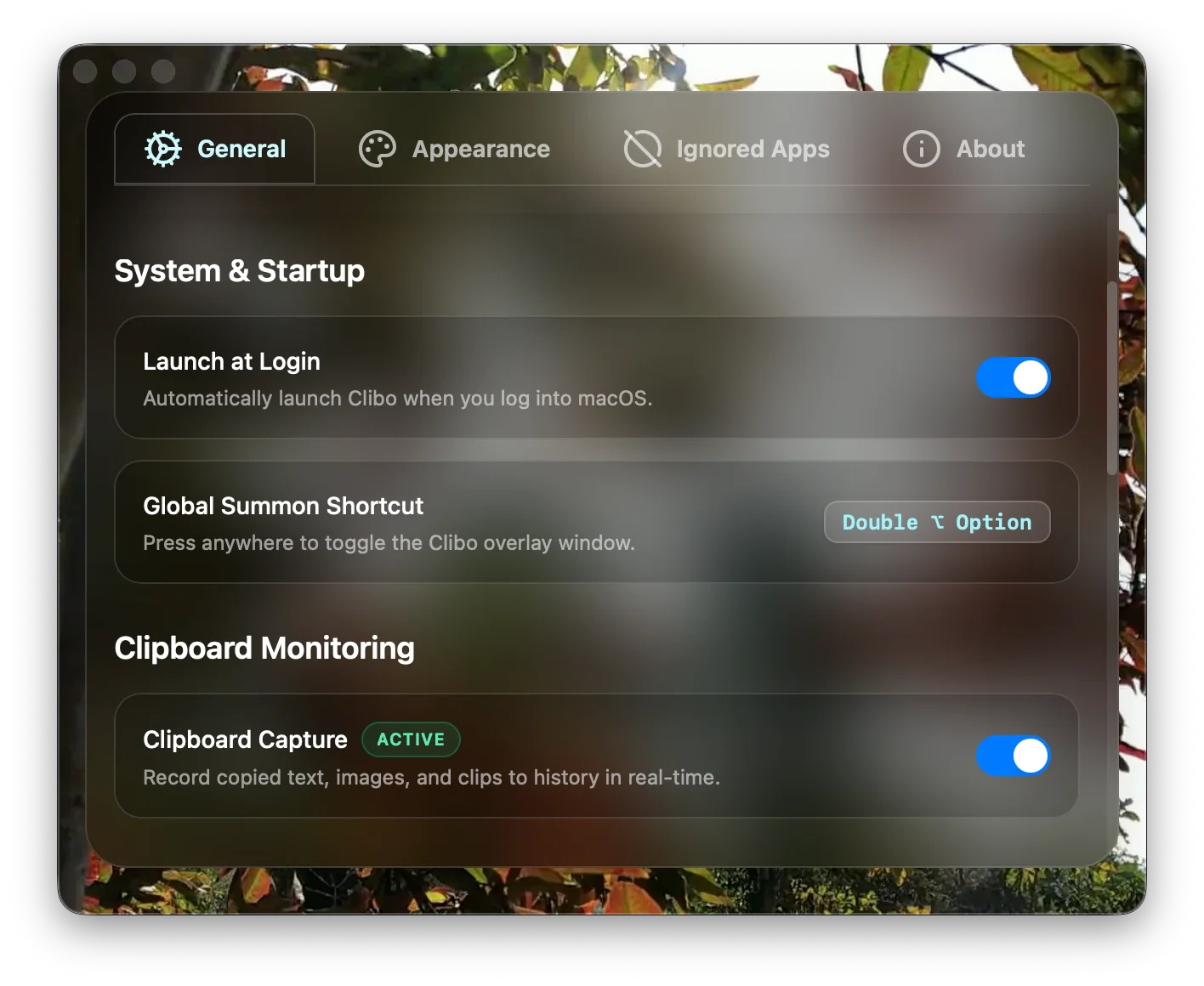
To guarantee complete privacy, Clibo follows a zero-network, local-first architecture:
- Strict Offline Guarantee: The binary contains no telemetry SDKs, no error-reporting analytics, and no cloud synchronization pipelines.
- Automatic Secret Concealment: Every pasteboard transaction is checked for
ConcealedType,AutoGeneratedType, and password manager bundle IDs. - Per-App Exclusion Filters: Users can define granular blacklists (e.g.
com.agilebits.onepassword,com.apple.keychainaccess,org.keepassxc.keepassxc, or banking browser tabs) to prevent capture entirely. - Local SQLite Storage with WAL: All history is stored locally in
~/Library/Application Support/clibo/inside a high-performance SQLite database.
Summary
Your clipboard is a direct pipeline to your most sensitive personal and professional data. Relying on cloud-based clipboard services creates unnecessary attack surfaces and compliance vulnerabilities.
By adopting a local-first clipboard manager that strictly adheres to macOS concealment standards and maintains complete network isolation, you get the full productivity benefit of infinite history without compromising security.
About the Clibo Research Team
We build tools for developers who care deeply about local-first software, macOS systems engineering, and keyboard-centric productivity. Have thoughts or questions on this article? Feel free to reach out via support@clibo.app.
Related Technical Essays
View all →
Why Developers Actually Switch Clipboard Manager Apps (Maccy, Alfred, Paste → Clibo)
Honest comparison of Maccy, Alfred, Paste, and Clibo clipboard manager apps. Real trade-offs, no strawmen — including when you should stay with your current tool.
The 2026 Mac Clipboard Manager Comparison Matrix: Speed, Privacy & Workflow
An objective, technical benchmark comparing Maccy, Raycast, Paste, Alfred, and Clibo across memory usage, invocation latency, privacy, and keyboard navigation.